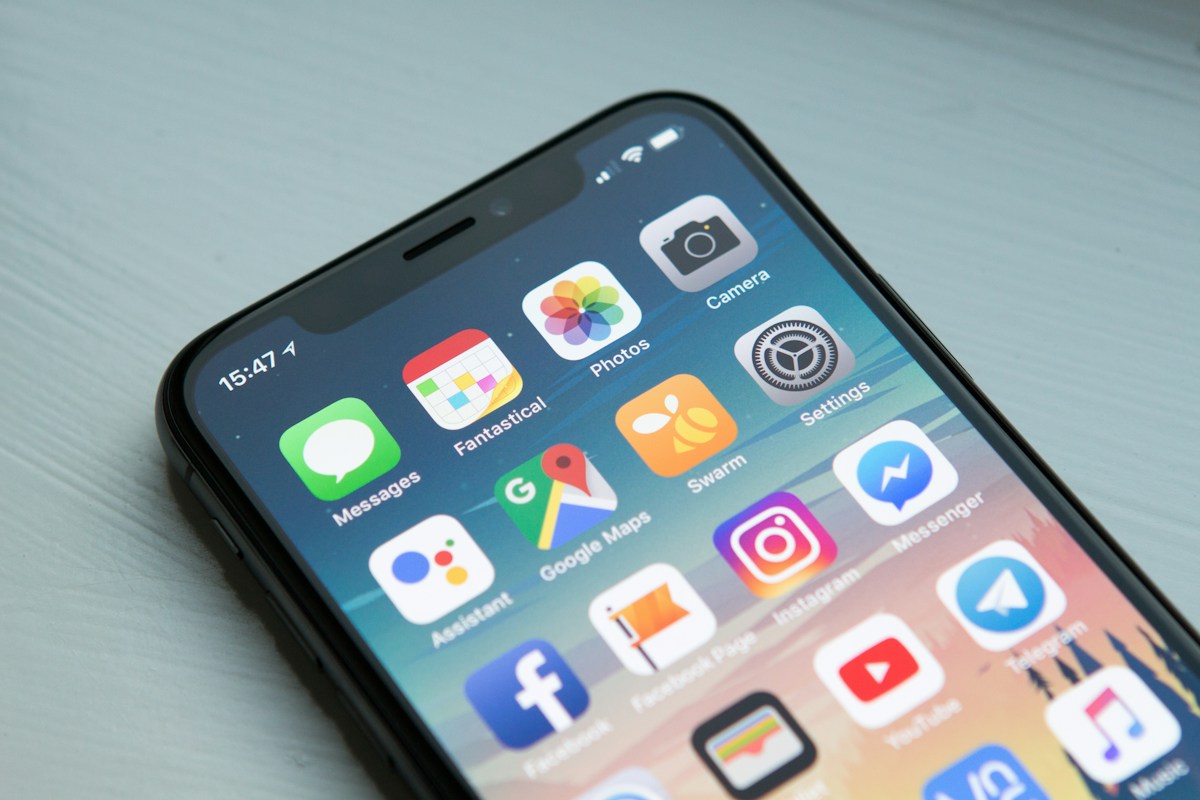
You are between meetings, on a train, or waiting for a client call, and a new project just got approved. Most freelancers either let it wait until they are back at a laptop or fumble through five different apps on a phone that were never designed to work together on a small screen.
Running a freelance business entirely from a phone, at least for the routine parts, is genuinely possible in 2026. Here is what actually works on mobile and what still needs a laptop.
What you can fully run from a phone today
Sending an invoice, signing a contract, logging time, and replying to a client message are all things a modern freelance tool handles natively on mobile, not as an afterthought web view squeezed onto a small screen. If your current invoicing tool requires you to be at a desktop to generate a proper GST invoice, that is a tool problem, not an inherent limitation of doing this work on mobile.
What genuinely still benefits from a bigger screen: detailed design review, writing long-form content, and any deep project planning that involves comparing multiple documents side by side. Do not force those onto a phone out of principle; batch them for when you are back at a laptop instead.
Sending an invoice from your phone properly
A proper invoicing tool with a mobile-friendly interface lets you create a full GST-compliant invoice, complete with the correct CGST/SGST or IGST split, without opening a laptop. The test for whether your current setup actually works on mobile: can you create, send, and get a client to view a PDF invoice entirely from your phone in under two minutes? If the honest answer involves switching to a laptop halfway through, your tool is the bottleneck, not your workflow.
Avoid the trap of "quickly typing the amount in a WhatsApp message" as a mobile shortcut. It saves you two minutes now and costs you a slower payment later, since a proper PDF invoice still gets processed faster by a client's accounts team than an informal chat message, covered in more detail in the guide on sending a proper invoice on WhatsApp.
Logging time without a laptop open
Time tracking dies most often not because freelancers forget to track, but because starting a timer requires opening a laptop that is not already open. A one-tap start/stop timer on a phone, tied to the specific task you are working on, removes that friction entirely and means you actually capture time spent on quick client calls or small fixes done between other things.
For work you genuinely forgot to log, a manual entry that takes 10 seconds to add on a phone (task, duration, date) beats reconstructing your week from memory on a Sunday night. See the guide on why time tracking matters even on fixed-price work for why this data matters beyond just billing hourly clients.
Contracts and signatures on mobile
A contract that requires printing, signing by hand, and scanning back is dead on arrival for a mobile-only workflow. In-browser e-signature, where a client opens a link on their own phone and signs with a finger or stylus, works end to end on mobile for both sides without a DocuSign account or a printer involved anywhere.
The practical habit: send the contract link the moment a verbal agreement happens, from wherever you are, rather than waiting until you are back at a desk to "do it properly." The delay between agreement and signed contract is exactly where scope misunderstandings creep in.
The one thing that breaks a mobile-only workflow
Client communication spread across WhatsApp, email, and a separate project tool is manageable on a laptop where you can have three tabs open, but becomes genuinely confusing on a phone where switching between apps means losing context each time. The fix is not consolidating every conversation into one app (clients will use what they use), but making sure your actual business records (what was agreed, what was invoiced, what was paid) live in one connected place you can check from your phone in seconds, rather than reconstructed from scattered chat threads.
Rinto works fully on mobile browsers: creating and sending invoices, sending contracts for e-signature, logging time on tasks, and checking which invoices are paid or overdue all work without needing a laptop. On paid plans, you also get reminder notifications so a client's payment status is visible the moment you check your phone, not something you have to remember to look up later.
For the fuller toolkit behind each of these tasks, not just whether they work on a phone, see the guide on the best tools for freelancers in India.
Frequently Asked Questions
Can I run my entire freelance business from a phone?
Most of the routine, recurring parts of running a freelance business (sending invoices, signing contracts, logging time, checking payment status) work fully on a phone with a mobile-friendly tool in 2026. What still benefits from a laptop is detailed design review, long-form writing, and deep project planning that needs multiple documents visible at once. A realistic goal is running the administrative side entirely from a phone while reserving deep-focus work for a laptop.
Can I send a proper GST invoice from my phone?
Yes, with a mobile-friendly invoicing tool, you can generate a full GST-compliant invoice with the correct CGST/SGST or IGST split entirely from a phone, without needing a laptop. If your current tool requires switching to a desktop to finish the invoice, that is a limitation of the specific tool, not something inherent to doing invoicing on mobile.
Is it safe to sign a freelance contract on a phone?
Yes, an in-browser e-signature completed on a phone is legally valid under India's Information Technology Act, the same as one completed on a laptop, as long as both parties clearly agree to the terms. The signature method (finger, stylus, or typed name confirmation) matters less than having a clear, mutually agreed document, whichever device it was signed on.
How do I track time on the go without forgetting?
Use a one-tap start/stop timer on your phone tied to the specific task, so starting tracking does not require opening a laptop that is not already open. For time you genuinely forget to log in the moment, add a manual entry as soon as you remember, since a 10-second manual entry is far more accurate than reconstructing an entire week of work from memory later.
What freelance tasks should I NOT try to do on a phone?
Detailed design review, long-form proposal or content writing, and any project planning that requires comparing multiple documents side by side are all genuinely harder and slower on a phone screen. Do not force these onto mobile out of principle. Batch them for when you are back at a laptop, and reserve your phone for the quick, recurring administrative tasks it handles well: invoicing, contracts, time logging, and checking payment status.