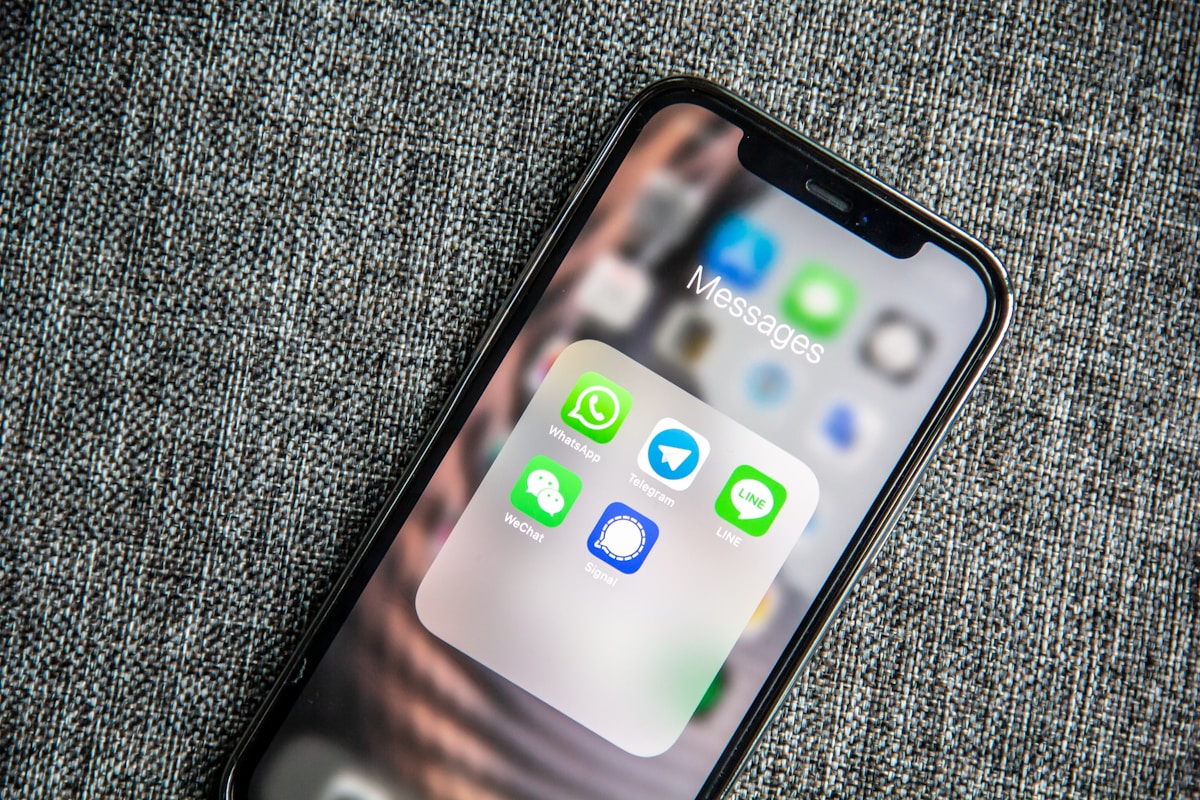
Your client asked for the invoice on WhatsApp, not email, because that is where the entire project conversation already lives. Most Indian freelancers respond by taking a screenshot of a spreadsheet, or worse, typing the amount directly into a chat bubble with no invoice number, no due date, and nothing a client's accounts team can actually process.
Sending an invoice on WhatsApp does not mean sending something unprofessional. Here is how to do it properly, so it looks like an invoice and not a text message.
Send a PDF, never a screenshot or plain text
A screenshot of a spreadsheet is not an invoice. It has no fixed format, cannot be filed by the client's accounts team, and looks like you do not have a real system behind your business. A proper PDF invoice, generated once and attached as a file, is what any client, big or small, expects to receive regardless of the channel you send it through.
Generate the PDF from an invoicing tool, not a manually formatted Word document you edit each time. A tool guarantees your invoice number sequence stays correct, the GST math is right if applicable, and the layout stays consistent across every client. Attach the PDF directly in WhatsApp using the document icon, not the image/photo option, since sending it as an image compresses it and can make text blurry when the client zooms in.
Write a short message, let the PDF carry the detail
The WhatsApp message accompanying the invoice should be short and functional, not a wall of text repeating everything already on the PDF. State the invoice number, the amount, and the due date in two lines, then attach the file.
A message like "Hi Priya, sharing Invoice #INV-0042 for ₹45,000, due July 30. PDF attached, UPI and bank details are on the invoice" gives the client everything they need to decide whether to open the file immediately or later, and gives you a searchable WhatsApp message if you need to reference it during a follow-up. Avoid dumping the full itemised breakdown into the chat text itself, since that duplicates the PDF and makes the thread harder to read.
Save your invoice details as a WhatsApp Business quick reply
If you use WhatsApp Business, set up a quick reply template for invoice messages so you are not retyping the same structure every time. Go to Business Tools, Quick Replies, and create one with placeholders for the invoice number, amount, and due date that you fill in before sending.
This also standardises your messaging across clients, so every invoice you send looks consistent, which matters more than it seems for how professional your business feels to someone who works with you occasionally rather than daily.
What the invoice PDF itself needs to include
Sending it over WhatsApp does not lower the bar for what belongs on the document. It still needs a sequential invoice number, a specific due date rather than "within 30 days," itemised services with rates, your GSTIN if registered, and payment details. The full breakdown of every required field is in the guide on what a proper freelance invoice should include.
Payment details matter especially on a WhatsApp-delivered invoice, since the client is often paying directly from their phone right after opening the file. Include your UPI ID and a QR code so they can pay without switching apps to search for your bank details separately, as covered in the guide on adding UPI to a freelance invoice.
Following up on a WhatsApp-sent invoice
WhatsApp's read receipts (the blue ticks) are useful here in a way email is not: you can see the client opened the message. If it stays unread for more than a day or two on a small invoice, a gentle "just checking this reached you" nudge is reasonable. If it was read and there is no response by the due date, treat it the same as any overdue invoice and move to a structured follow-up sequence rather than repeatedly pinging the same thread.
Rinto lets you download every invoice as a PDF ready to attach anywhere, including WhatsApp, with your UPI QR code and bank details already built in, so you are never assembling the payment section manually before sending.
Frequently Asked Questions
Is it professional to send an invoice over WhatsApp in India?
Yes, as long as it is a proper PDF document attachment, not a screenshot or plain text message. WhatsApp is the dominant business communication channel in India, and most clients, including corporate ones, accept invoices this way. What makes it unprofessional is sending an unformatted screenshot or typing the amount directly into chat, not the channel itself.
How do I attach a PDF invoice on WhatsApp?
Open the chat, tap the attachment icon, choose "Document" (not "Photo" or "Gallery"), and select your invoice PDF file. Sending it as a document preserves the original quality and lets the client download it as a proper file rather than a compressed image, which matters if they need to forward it to an accounts team or print it.
Should I send the invoice amount in the WhatsApp message text too?
Yes, briefly. State the invoice number, amount, and due date in one or two lines alongside the attachment, so the client has the key facts visible without opening the file. Do not repeat the full itemised breakdown in the chat text, since that duplicates the PDF and clutters the conversation.
Can I use WhatsApp Business to automate sending invoices?
WhatsApp Business supports quick reply templates, which let you save a standard invoice message structure with placeholders you fill in each time, saving retyping. Full automation (auto-sending invoices on a schedule) requires the WhatsApp Business API, which is generally overkill for solo freelancers and more suited to agencies sending high volumes of recurring invoices.
What if a client says they never received the invoice on WhatsApp?
Check the message status: a single grey tick means it was sent but not delivered (usually a connectivity issue on their end), two grey ticks means delivered, and blue ticks mean read. If it shows as read and they claim otherwise, politely resend and ask them to confirm they can open the attachment, since occasionally file attachments fail to download properly on slower connections.